
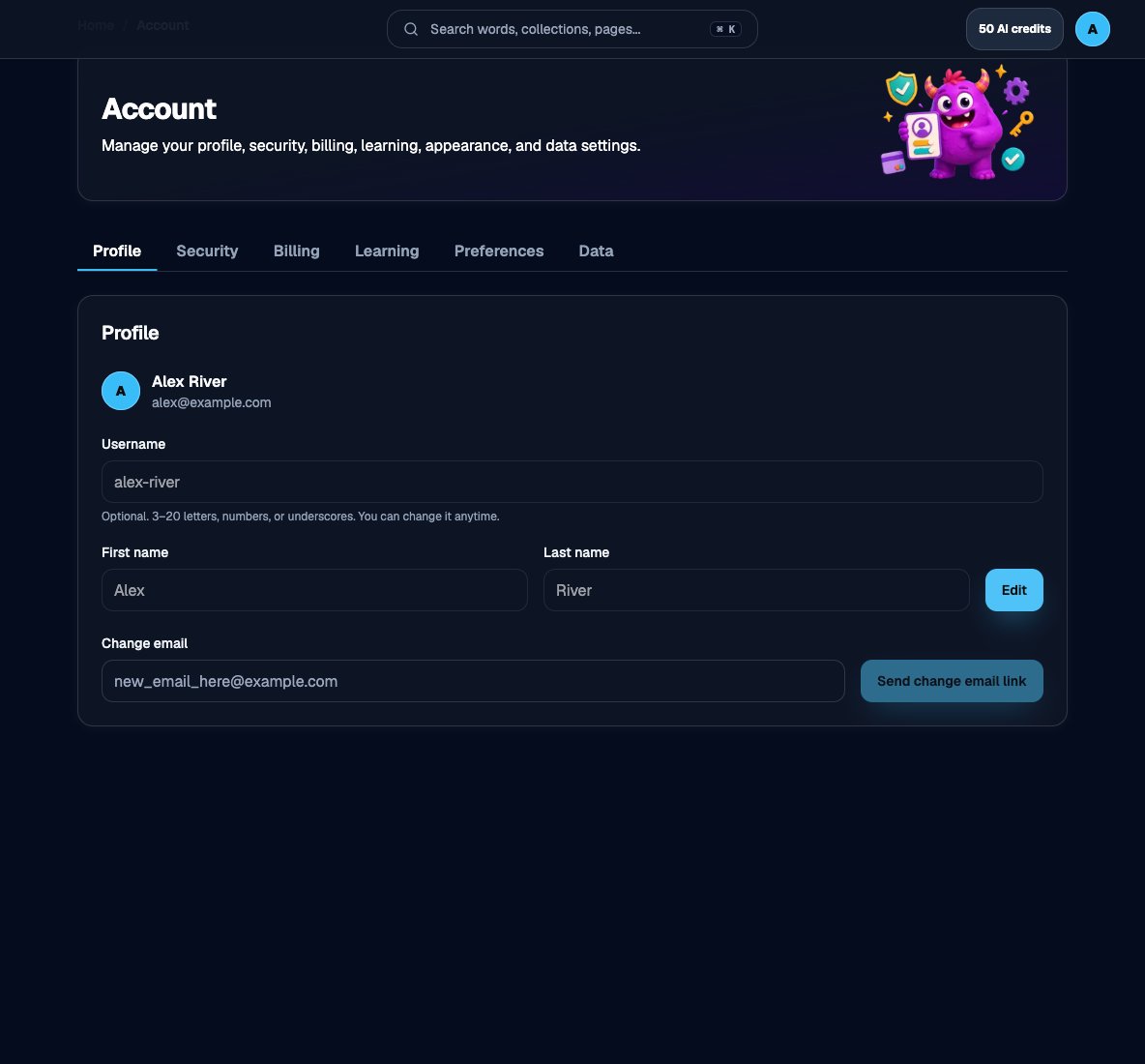
Account in the app, with Profile, Security, Billing, Learning, Preferences, and Data
1
Profile
Username, first name, last name, and email. See Your profile and Changing your email.
2
Security
Password, passkeys, and Google Sign-In. See How to log in.
3
Billing
Plan, credits, and invoices. See Billing and credits.
4
Learning
Goals for practice. See Change your learning goals.
5
Preferences
Gameplay, AI model, and related defaults. See Gameplay settings and Select an AI model.
6
Data
Sync, pause, and delete. See How syncing works and Pause or delete your account.
Use an email address you control, do not share your password, and sign out on shared devices.